
Home / Product
Product
What Pioneer does on a normal day.
Pioneer Security Systems finds people and vehicles on the cameras you already own, on a box in your building. It does not read faces or license plates. It turns the cameras and doors you already own into one place to see what needs attention, find the clip, and keep a record.
Alerts that mean something
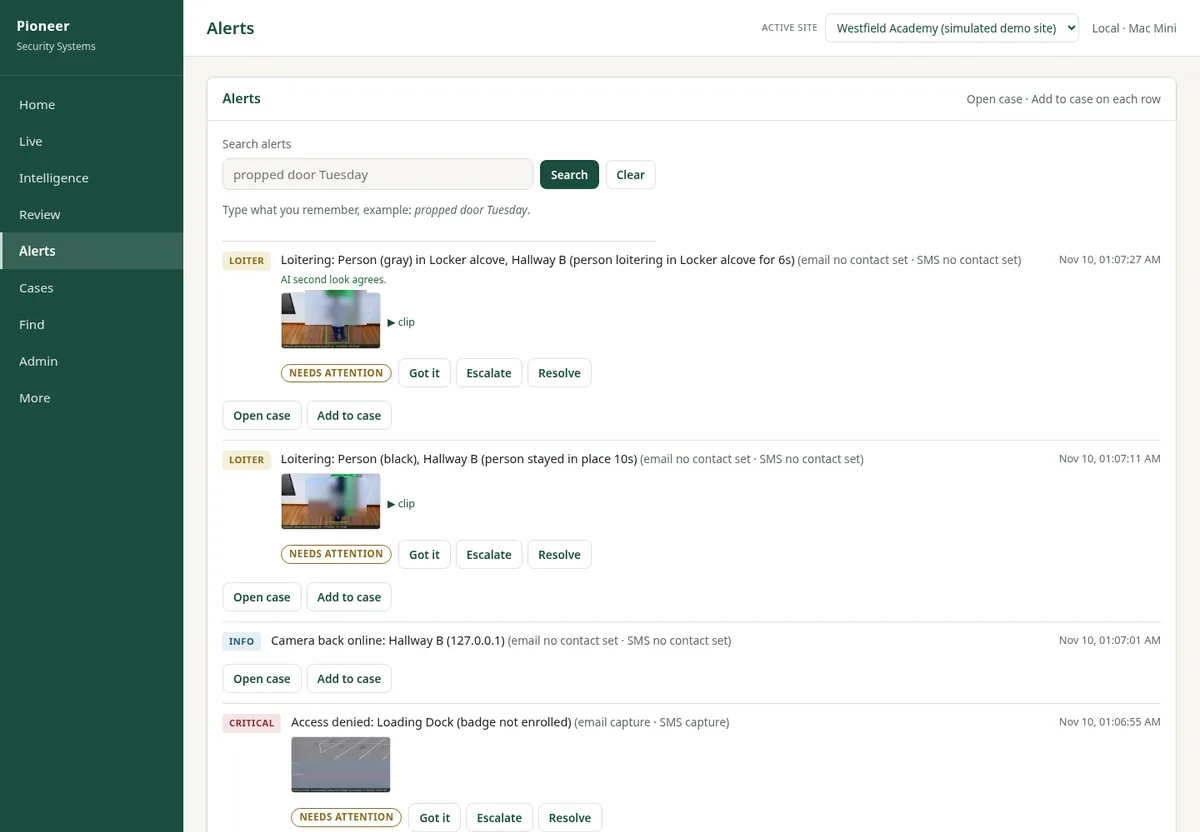
Pioneer watches your camera feeds for people and vehicles and can text, email or call the staff you choose. Text, email and call alerts go live when the provider account is added. Quiet hours keep the daytime hallway from lighting up your phone, with critical alerts still allowed through.
A second look on each alert can cut false alarms in our sample tests and can miss a real one, so a person always has the last say.
- Alerts go to the right people, not everyone
- Quiet during the school day where you want it
- Every alert has a picture and a signed link to a phone page, plus a clip in the dashboard
Cases
When something happens, open a case. Attach the clip, the snapshot and the door event, add notes, and copy a plain summary to share with a principal or an administrator. You can also send an expiring link for school use. The record stays on your system.
- Camera and door events in one folder
- Notes with times
- Nothing leaves your building unless you send it
Find
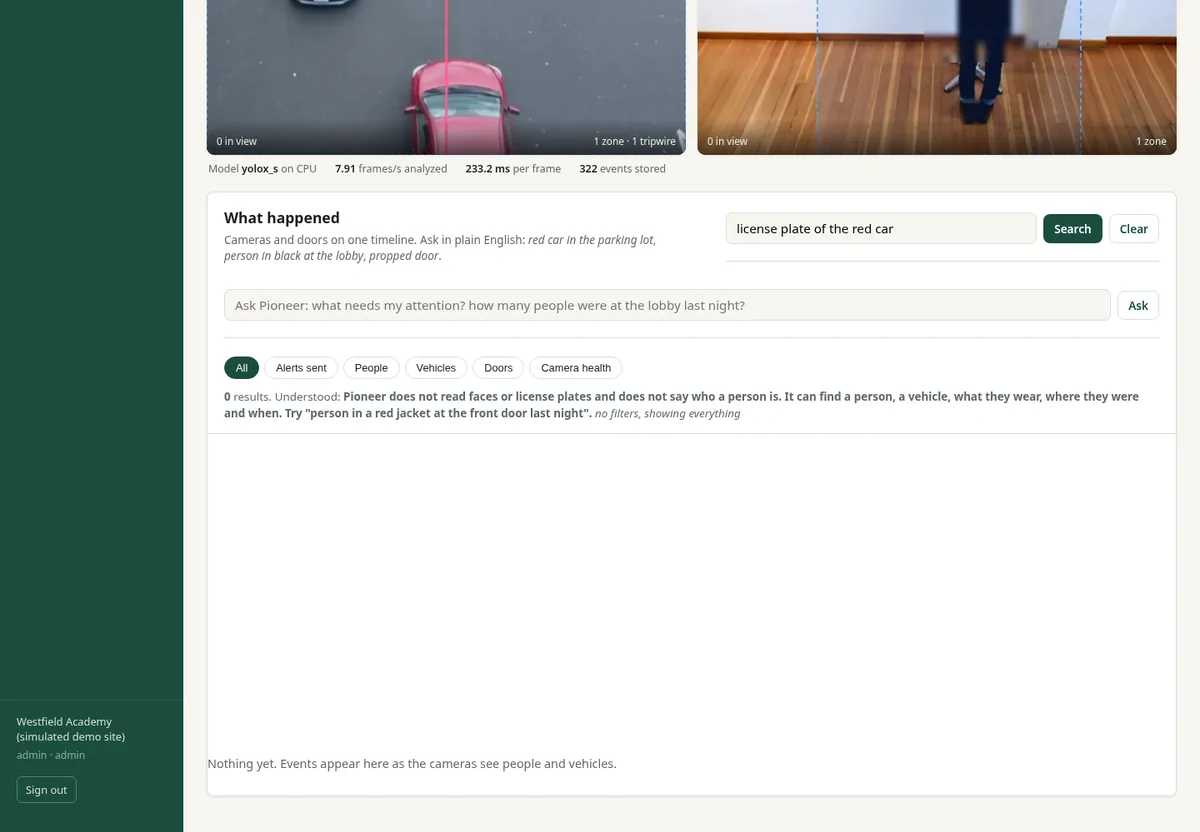
Search alerts, cases and door events by time, camera or keyword, including what's in the pictures. Thumbnails help you spot the moment without scrubbing through hours of video. Pioneer does not read faces or license plates, and a search for those is refused.
- Minutes to a clip, not an afternoon
- One search across cameras and doors
Review and rewind
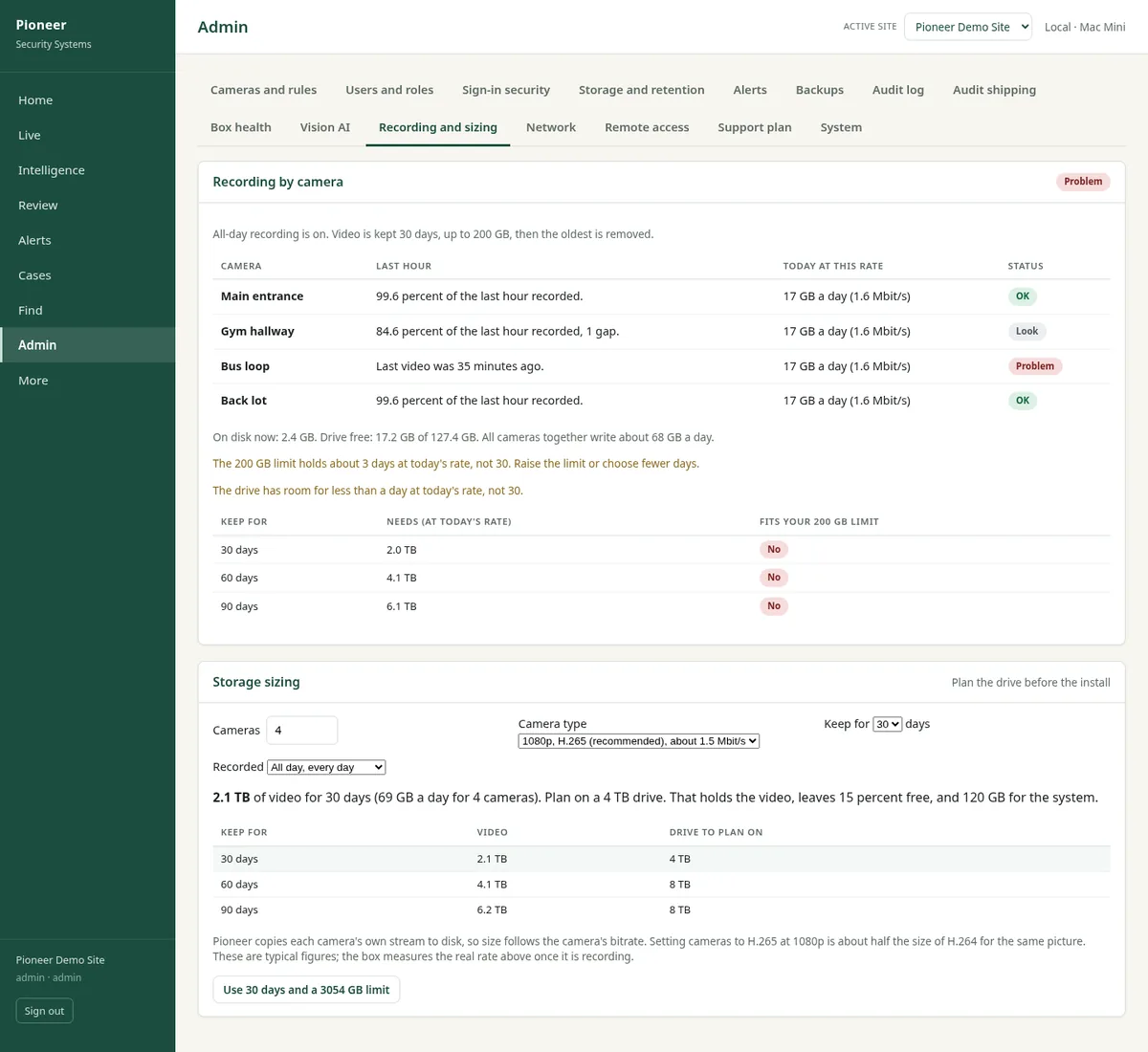
Every alert gets an event clip. You can also scrub any camera by date and time, even when nothing alerted. Continuous recording stays on the box. Choose 30, 60 or 90 days, and we size a drive at setup.
- Event clips saved for every alert
- Continuous recording and a timeline on the box
- Storage sized to the days you keep
Door events with video
If you have electronic access control, Pioneer brings door events in next to the cameras: held open, forced, or opened after hours. One click starts a case with the right camera attached.
- Works alongside your door system. It listens to door events and never unlocks a door.
A network that stays separate
Part of every install is separating the zones: students and guests, staff, cameras and doors, and management. The phones in a hallway cannot reach the camera network. Zone checks, DNS filtering and intrusion alerts are set up at install. Pioneer does not push rules to your firewall by itself.
- Four zones in the standard design
- Cameras not reachable from the internet
- Checked and documented at setup
What's included
What is included today, what is done at install, and what comes later.
This table is the plain version of where each piece stands today.
| Capability | Status | Notes |
|---|---|---|
| Live view and camera connections | Built | Live view over RTSP on the cameras you already own. An ONVIF probe is in the product. We check your cameras during the gap map. |
| People and vehicle detection | Built | Finds people and vehicles on the cameras you already own, on a box in your building. It does not read faces or license plates. |
| Alerts by text, email and phone | Built | Go to the staff you choose. Text, email and call alerts go live when the provider account is added. |
| Quiet hours and second look | Built | Quiet during the school day where you want it. A second look can cut false alarms in our sample tests and can miss a real one, so a person always has the last say. |
| Cases and Find | Built | Clips, notes, door events, a plain summary, and an expiring share link for school use. Search includes what's in the pictures. |
| Event clips | Built | A clip is saved for every alert. |
| Review and rewind | Built | Continuous recording on the box. Scrub any camera by date and time. Keep 30, 60 or 90 days, with storage sized at setup. |
| Door events from an access system | Built | Works alongside your door system. It listens to door events and never unlocks a door. |
| Two-factor sign-in and HTTPS | Built | Two-factor sign-in is available. The dashboard can run over HTTPS with the box's own certificate. |
| Encrypted backups | Built | Encrypted by default, with a second copy to a folder or web address you choose. |
| Exacq recorders | Through camera streams | Connect through RTSP or ONVIF, not a native Exacq integration. Not yet run against a live recorder. |
| Milestone and Genetec recorders | Through camera streams | Can read their camera streams through RTSP or ONVIF. Native recorder integrations are not built. |
| Network zones, DNS filtering and intrusion alerts | Done at install | Zone checks, DNS filtering and intrusion alerts are set up at install. Pioneer does not push rules to your firewall by itself. |
| Keyed remote access | Done at install | Named devices, with keys you can remove. Set up at install. |
| Lockdown, drill and fire-panel modes | Later phase | Needs district policy and fire authority approval. Never replaces your fire alarm. |
Want to see it on a setup like yours? Book a demo.
See it on a setup like yours
Book a short demo, or send us what you run today and we will map it. No pressure and no pitch deck.